Imagine every interview you have shot, typed up, in one place. You type a few words into the search box and the line is there, with its timecode beside it.
That is what Earwig Sync does now. It is the app that sits beside your edit in DaVinci Resolve, and this week it changed a lot.
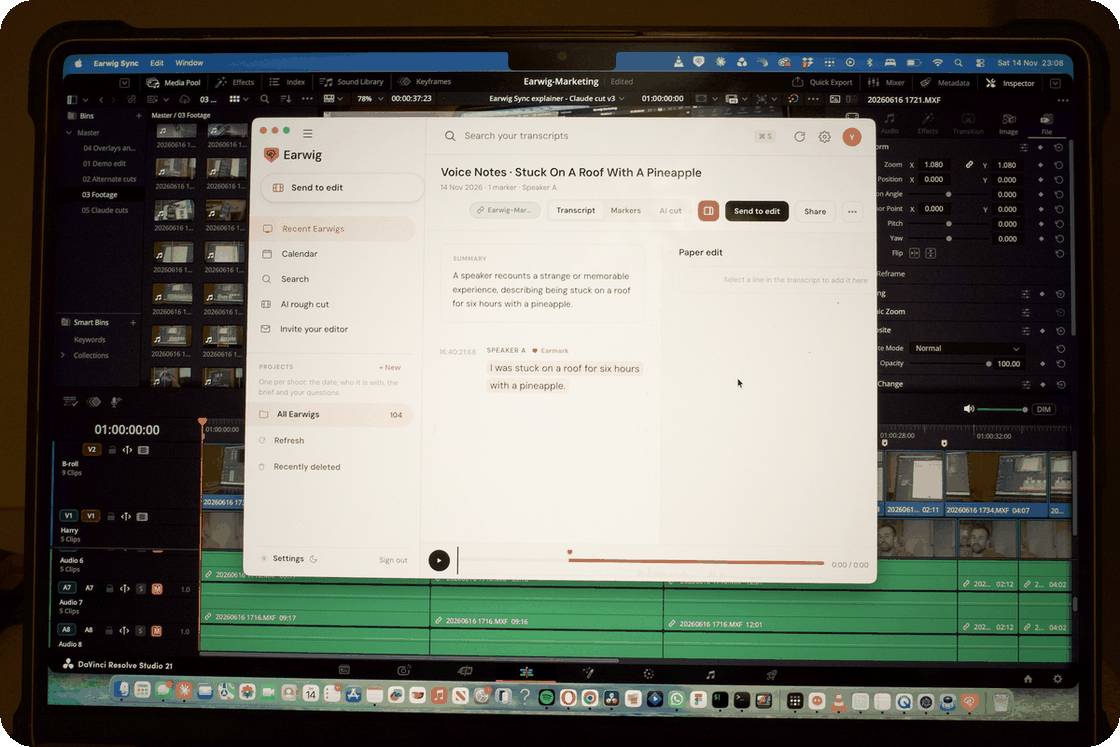
All your transcripts in one place
Every shoot you record with Earwig lands in Sync with its transcript and your markers. Search across all of them at once. A calendar shows what you recorded on each day, so last Tuesday's interview is two clicks away.
Put the card in and it finds the shoot
When a camera card goes in, Sync tells you, and tells you which of your shoots is on it. Your footage syncs automatically. You do not go looking for the right clip.
Tell your editor what you want in the cut
This is the part I have wanted for years.
Read the transcript and pick the lines you want. They build up as a paper edit beside it, in your order. Press Send to edit and those selects land on a timeline.
Then invite your editor. They open the same shoot on their side and pull your selects straight into their own editing timeline. They do not need a subscription.
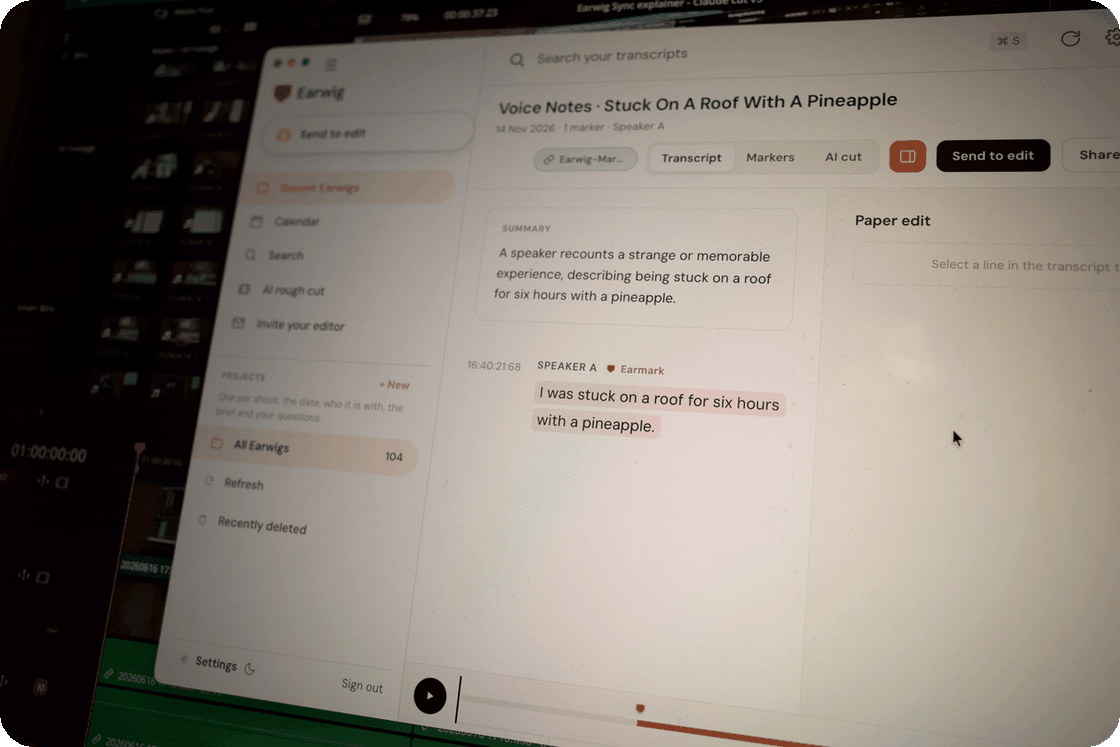
If you cut in Premiere Pro
The Premiere panel is updated too. Footage now syncs automatically on more shoots, and the panel tells you when a card goes in and which shoot is on it. Pancake and Master timelines now sit on true timecode, and you choose which timelines you get in Settings.
Get the update
If you already have Earwig Sync or the Premiere panel, it will tell you an update is waiting. If you do not, both are at earwig.io/plugins.
Comments
No comments yet — be the first.