Earwig Sync+ · for Mac

From your phone
to your edit.

Every moment you marked on the shoot, already in your timeline. Install, sync, build — that's it.

Download for Mac Resolve & Premiere
1

Install it

The whole setup takes a minute.

  1. Download Earwig Sync+ for Mac.
  2. Open it and enter your Mac password once.
  3. You're in — no importing, no cables.
2

Sync to your phone

Sign in, and every session you marked on your phone is already there.
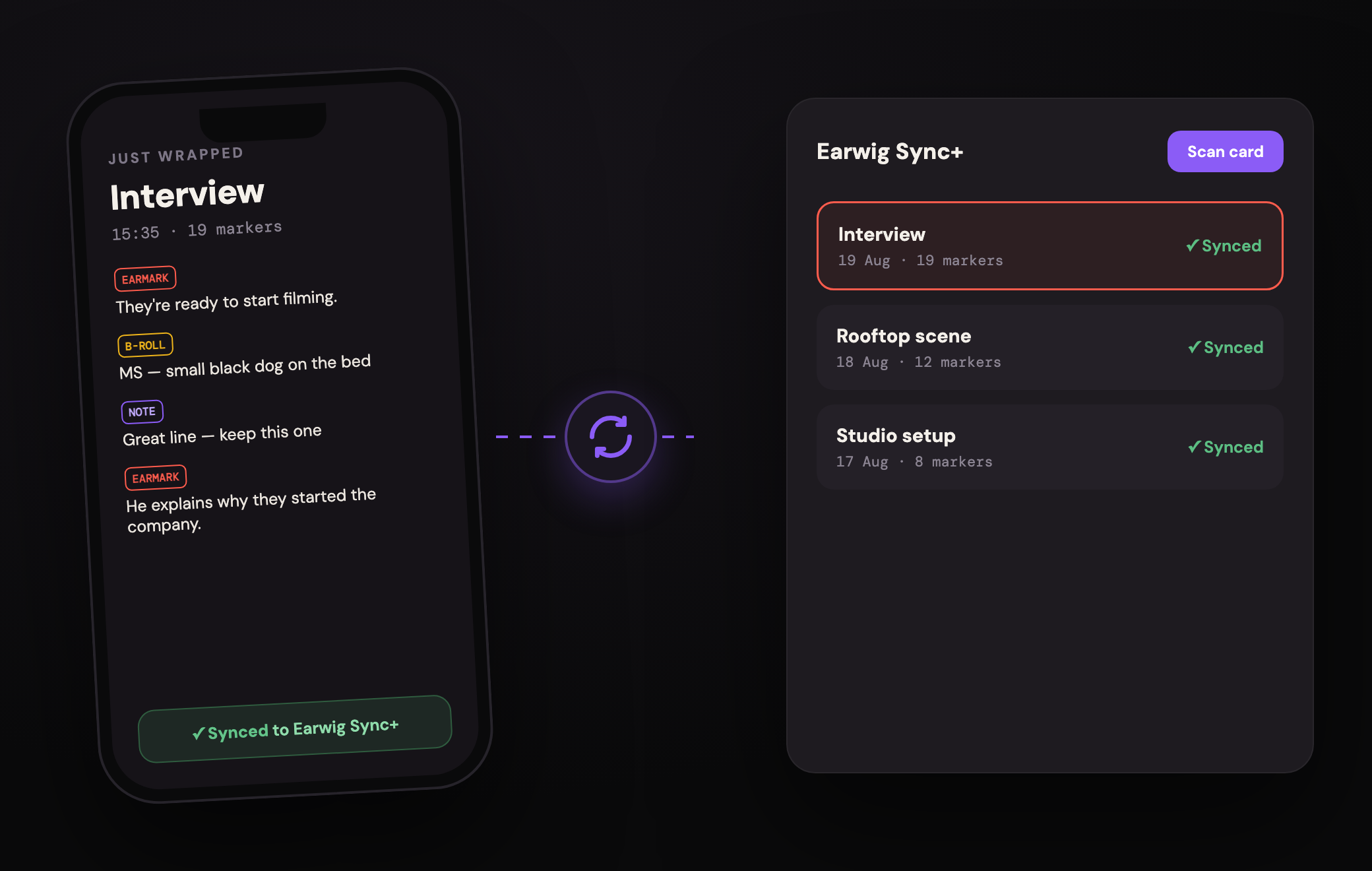
A phone's marked session syncing into Earwig Sync+
3

Open your session

Pick the shoot. Your markers and transcript are waiting.
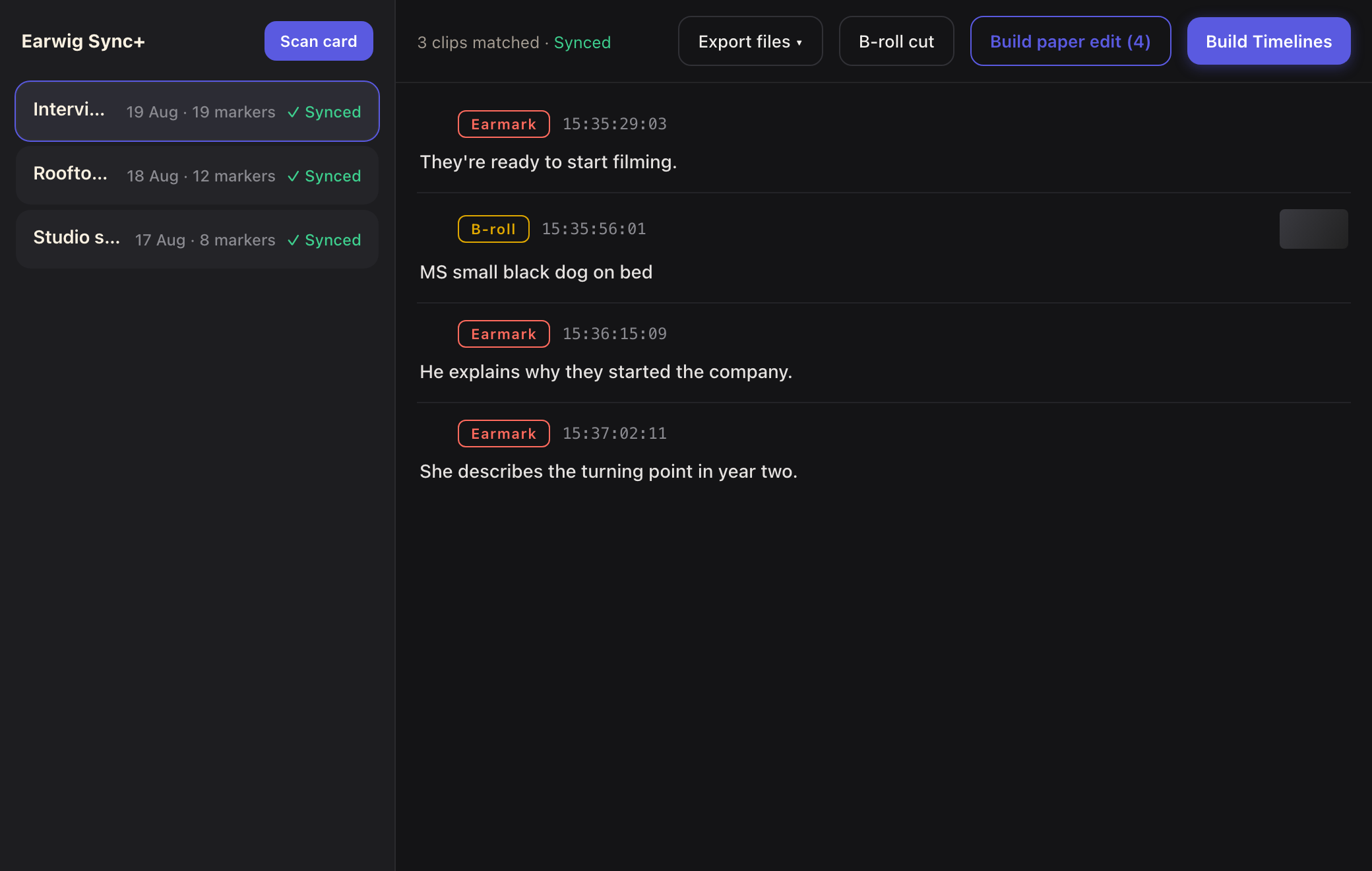
Choosing a shoot session in Earwig Sync+
4

Approve the edits

Skim the moments Earwig pulled. Keep what you want.

Reviewing marked moments before building the timeline
5

Build the timeline

One click. Your markers become a cut — frame-accurate — in Resolve or Premiere.
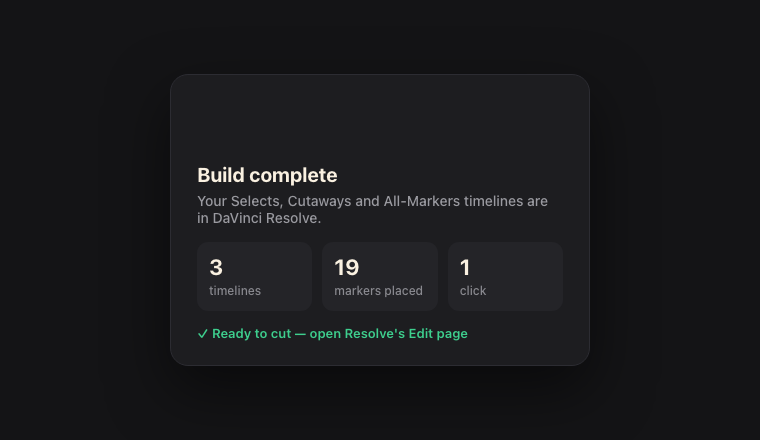
A finished timeline built from your markers

That's the whole workflow.

Shoot, mark, sync, build. Nothing to import, nothing to scrub.

Download Earwig Sync+ free for Mac