You record on the phone. Moments after you stop, the recording, the transcript and every marker you placed are in your account. Open the web app and the shoot is there, filed under its project, sitting on the day you filmed it. Open Premiere or Resolve and the plugin finds the same shoot. One account, everywhere you work.
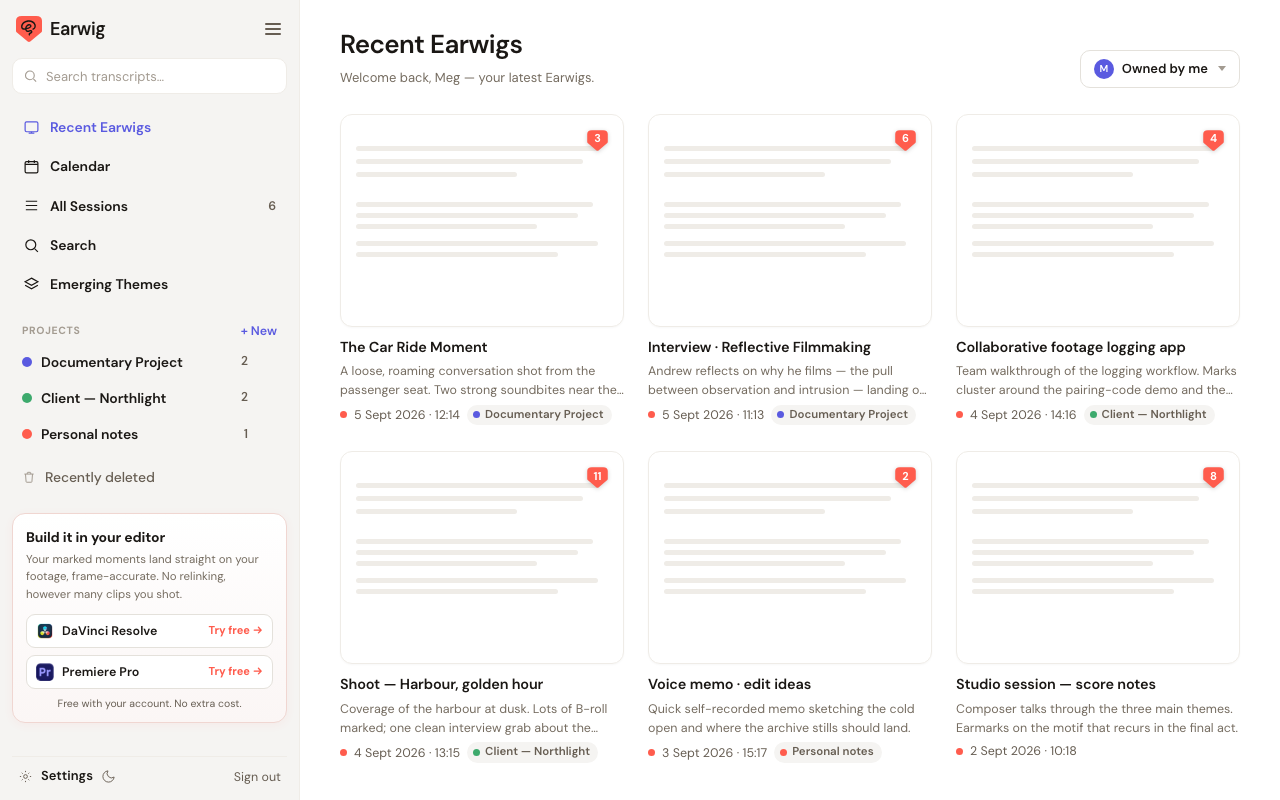
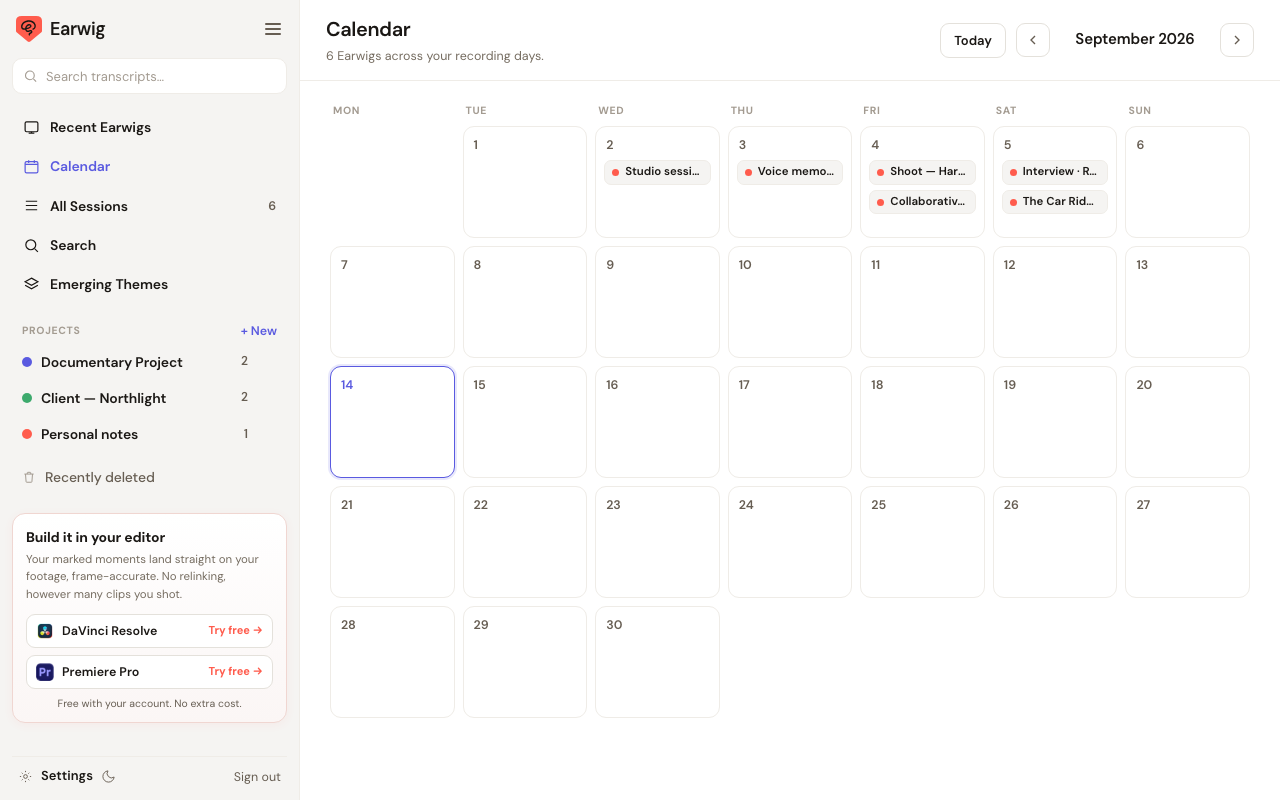
Your shoots, organised
A home for every transcript, built for the way a shoot actually runs: projects, dates, a team and an editor.
Find any shoot in seconds
Group your shoots into projects. Open the calendar to see when you filmed and what is coming up. Recent shows what you opened last, and search finds a line across all of them.
Read it, mark it, cut from it
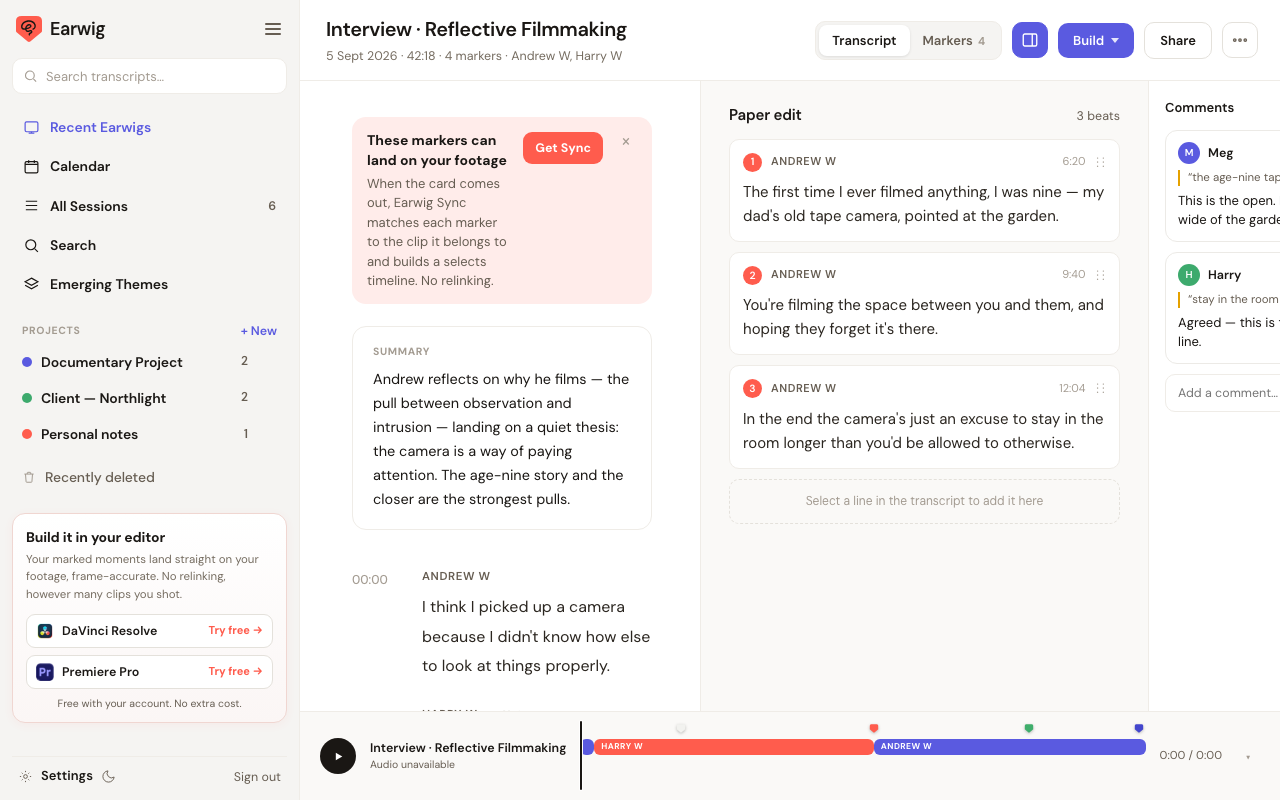
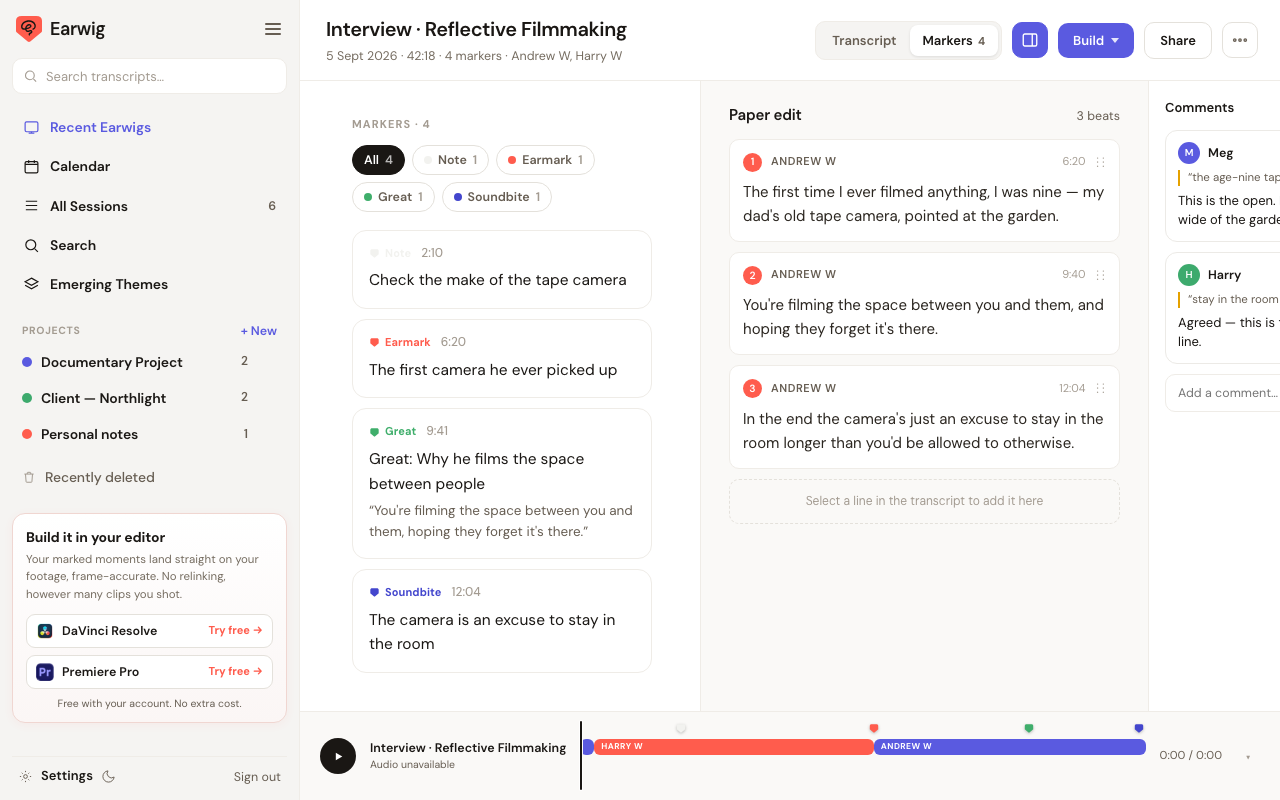
Open a shoot and the transcript is there with the audio, speaker by speaker. Switch to Markers to see every moment you flagged on set, with the line that was being said. Click one and the transcript jumps to it.
Select lines into a paper edit. Highlight what matters. Leave comments tied to the timecode so the note lands exactly where the moment is.
Share the shoot, not a folder
Press Share and choose who gets what. A private link to the transcript, the markers and the audio for the people you work with. The marker files sent straight to your editor's inbox for their editor. A view link for a client who only needs to read.
Nothing to export first
The shoot is already in your account. Sharing sends a link to it, so everyone reads the same transcript and the same markers, and any rename or comment you make is what they see.
Now on Windows and Mac
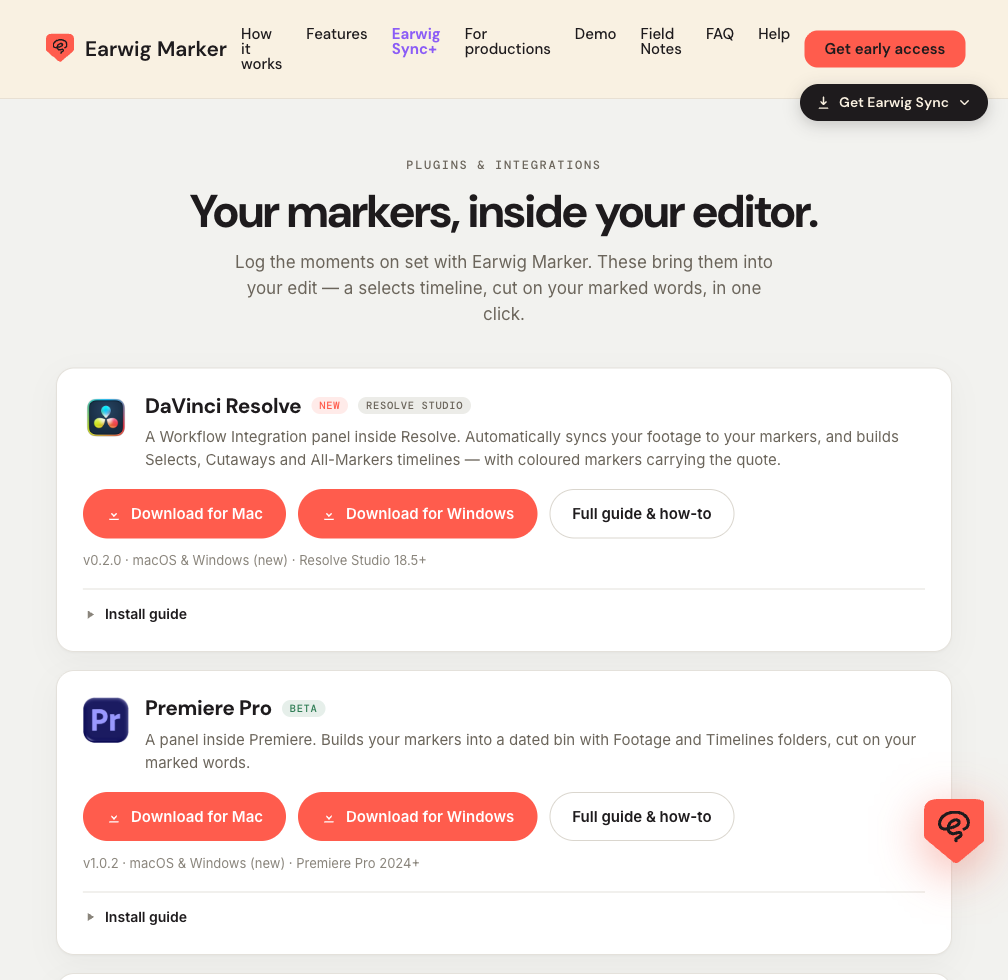
The same account, inside your editor. The Premiere Pro panel and the DaVinci Resolve plugin both now come as Windows and Mac downloads.
Your markers, on your footage
Sign in with your Earwig account, put the card in, pick the shoot. The plugin matches every marker to the clip it belongs to and builds your selects, cutaways and all-markers timelines in the open project. Coloured markers carry the quote. No relinking, however many clips you shot.
Every shoot in your account is there to pick from, the moment it lands. Nothing to download or import first.
It keeps itself up to date
Stop the recording on the phone and the shoot is in the web app and in the plugins on its own. Rename a marker on the phone and it is renamed everywhere. Your markers and transcripts are ready before the card is out of the camera.
Good to know
Does it work on Windows?
Yes. The Premiere Pro panel and the DaVinci Resolve plugin now come as Windows and Mac downloads, from the same plugins page. The web app runs in any modern browser.
Is my footage uploaded?
No. Your footage stays on your cards and drives. The plugin reads it from there and matches your markers and transcript to it inside the editor. Your account holds the recording, the transcript and the markers.
Do I need to export anything from the phone?
No. When a recording ends in the Earwig iPhone app it appears in the web app and in the plugins on its own. Nothing to sync, nothing to email yourself.
Which editors are supported?
Adobe Premiere Pro 2024 and later, and DaVinci Resolve Studio 18.5 and later. Resolve Studio is required because the free edition does not load workflow integrations.
Can my editor see a shoot without an Earwig account?
Yes. Share sends them a private link to the transcript, the markers and the audio, or emails them the marker files for their editor. You choose which.
One account, everywhere
- Every transcript by project and by date, with search across all of them
- Share with your team and editor, make selects, highlight, comment
- Plugins for Premiere Pro and DaVinci Resolve, Windows and Mac
- Updates itself from the phone, so nothing is ever missing